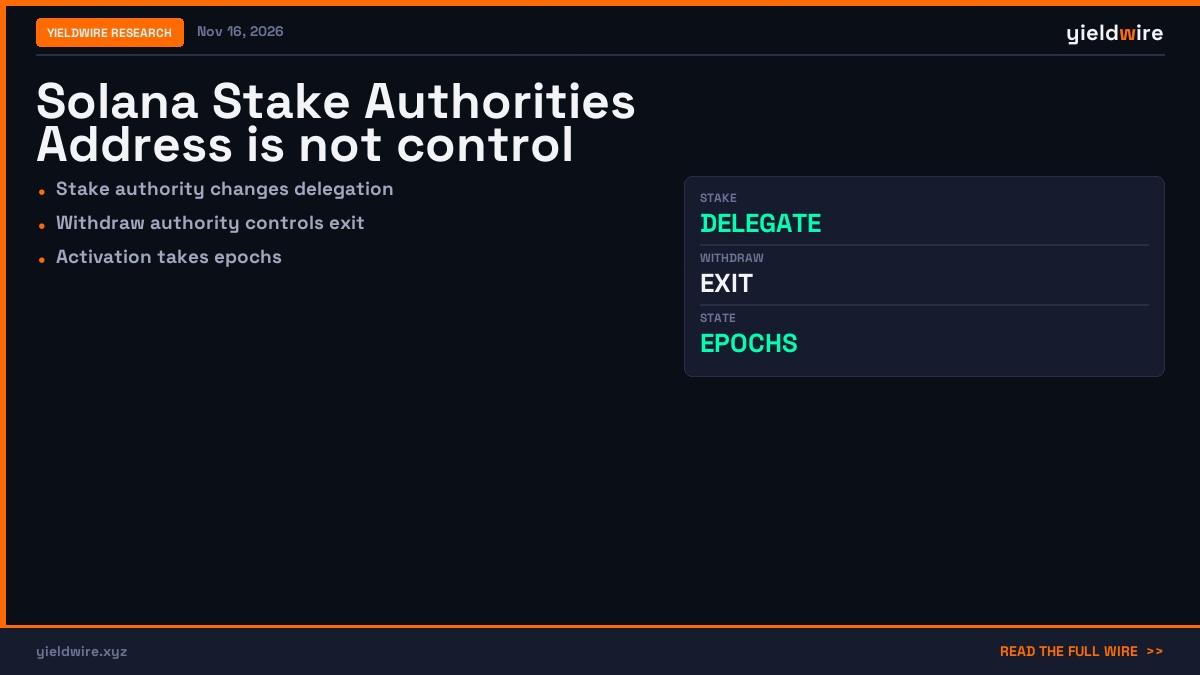
Solana Stake Authorities: Address, Delegation, and Withdrawal Control
A Solana stake account address is not the same thing as control. Learn which authority can delegate, which can withdraw, and what account state means before you sign a staking transaction.
The address is not the controller
A Solana stake account has an address, a balance, and a visible delegation. That can make it look like an ordinary wallet account. It is not. The address identifies the account, but it does not automatically identify the key that can move or manage the stake.
That distinction matters when you review a staking transaction, use a custody setup, or hand a staking workflow to a service. A stake account can have its own address without a private key that controls it. Control comes from the authorities recorded in the account data.
Solana's documentation describes two signing authorities for a stake account: the stake authority and the withdraw authority. They can be the same address, but they do not have the same permissions. Reading them separately is a simple way to avoid confusing a public address with the right to act.
Two authorities, different powers
The stake authority manages the delegation itself. It can:
- delegate the account to a validator
- deactivate that delegation
- split an account into smaller stake accounts
- merge compatible stake accounts
- replace the stake authority
The withdraw authority has the stronger recovery and exit permission. It can withdraw stake that is no longer delegated, replace the withdraw authority, and replace the stake authority. In practical terms, losing control of the stake authority is serious, but control of the withdraw authority is the larger security boundary because it can restore the staking control and release eligible funds.
Think of a stake account as having two roles. One role operates the staking position. The other role retains the authority to change the operator and, once the stake is eligible, move funds out. A setup can intentionally separate those roles. For example, an operations key may handle validator changes while a more protected key keeps withdrawal control.
This is not a recommendation to share either key. It is a way to read what an account already permits. Before approving a transaction, check which authority is being asked to sign and whether that permission matches the action.
A simple permission map
| Action | Stake authority | Withdraw authority |
|---|---|---|
| Delegate to a validator | Yes | Not required for this action |
| Deactivate a delegation | Yes | Not required for this action |
| Split or merge eligible stake accounts | Yes | Not required for this action |
| Change the stake authority | Yes | Yes |
| Change the withdraw authority | No | Yes |
| Withdraw undelegated SOL | No | Yes |
The table is a useful review tool, not a substitute for inspecting the exact transaction. Interfaces can group several instructions together. A transaction that appears to be about changing validators may also request an authority update. Read the instructions and the accounts involved before signing.
One account, one delegation at a time
A stake account can delegate to one validator at a time. The entire account is either delegated, not delegated, or moving between those states. If you want to allocate stake across several validators, you need several stake accounts.
That is why splitting matters. A holder can split one larger account into smaller accounts, then delegate each one independently. The same authority addresses can manage more than one stake account, but each account carries its own state and delegation.
The inverse operation, merging, has conditions too. Accounts need compatible authorities and lockups, and some active or transitioning combinations cannot be merged. If a wallet shows a merge action as unavailable, the account states may be the reason rather than a wallet error.
Delegated does not mean immediately withdrawable
Delegation changes happen over epochs. When stake is delegated or deactivated, the account does not instantly become fully active or fully inactive. Solana applies activation and deactivation progressively at epoch boundaries, with network-wide limits on how much stake can change state in an epoch.
The practical consequence is straightforward: a deactivation request is not the same as an immediate withdrawal. The withdraw authority needs the stake to be undelegated before it can move the SOL to a wallet. Timing can vary because it depends on the epoch process and wider network activity.
This is also why an account state deserves attention. A wallet may label an account as activating, active, deactivating, or inactive. Those labels describe the delegation lifecycle. They do not change which authority has which permissions.
Lockups add a separate constraint
A stake account can also have a lockup. A lockup can prevent withdrawal until a specified date or epoch. It does not stop every account operation: the account can still be delegated, deactivated, split, and have its stake authority changed while the lockup applies.
The restriction is narrower but important. During a lockup, withdrawing to another wallet or changing the withdraw authority is not allowed. Solana documentation notes that a lockup can be modified by its lockup authority, also called a custodian, if one is configured.
For due diligence, treat that as a third question alongside the two signing authorities: is there a lockup, and who has the authority to change it? The account address alone does not answer any of these questions.
A pre-signing checklist
Before signing a transaction involving a Solana stake account, pause long enough to answer these questions:
- Is this a wallet account or a stake account?
- Which authority is the transaction requesting?
- Is the action a delegation change, an authority change, or a withdrawal?
- What is the account's current activation state?
- Is a lockup present, and is a custodian listed?
The safest interpretation is the narrow one. A stake account address shows where the stake sits. The recorded authorities show who can act. If an interface cannot make that distinction clear, verify the account in a trusted explorer or wallet before you sign.
The point is control, not yield
Stake authorities are a permissions model. They do not tell you which validator is best, guarantee rewards, or remove validator and protocol risk. They tell you who can change a delegation and who can ultimately recover eligible funds.
That makes them worth understanding before you optimize anything else. A staking position can look healthy on a dashboard while its authority setup is broader than you expected. Reading the account's control model first is a small habit with a large downside-protection payoff.
Source: Solana Foundation developer documentation on stake accounts.
This article is educational and is not financial advice. Digital assets and staking carry risk, including the risk of loss.
Track all Solana yields in real time
Compare APYs across lending, LP, and liquid staking protocols on the YieldWire dashboard.
Open Dashboard →